ARKITEKT DAW
A mini-DAW with a mastering stage — sketch, arrange, mix and finish in one window.
Included in ARKITEKT membership ($97/mo, opens soon) · free during the public beta.
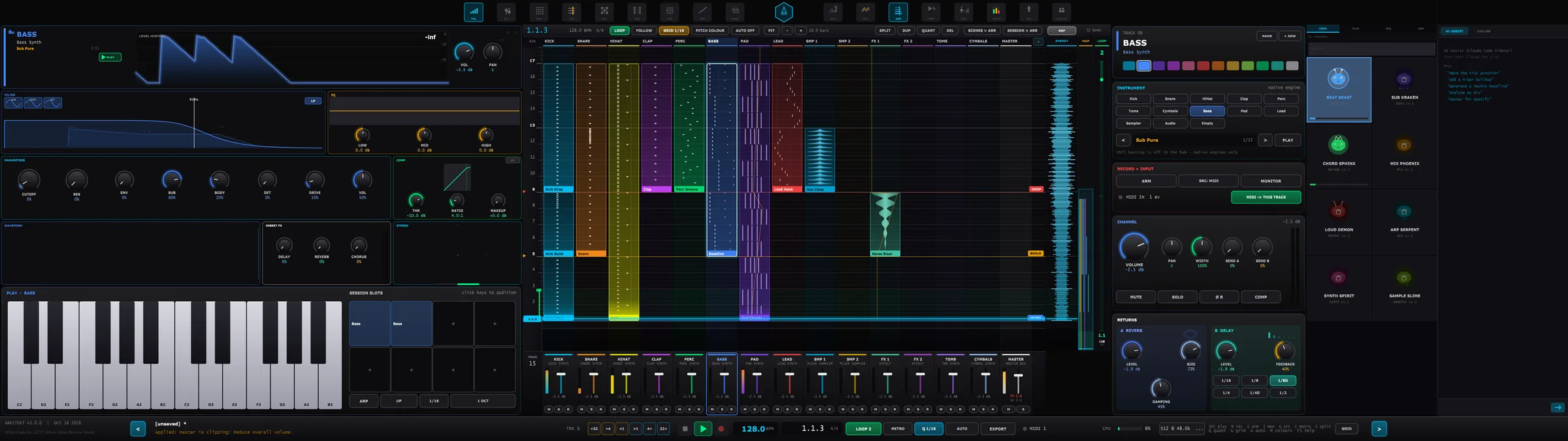
A simplified web version of ARKITEKT DAW’s SIMPLE face, running in your browser. Sound only plays after you press Play.
- A rebuilt vertical “rising” timeline with adaptive lanes, a loop-wrap view, a piano roll and clip editing with full undo
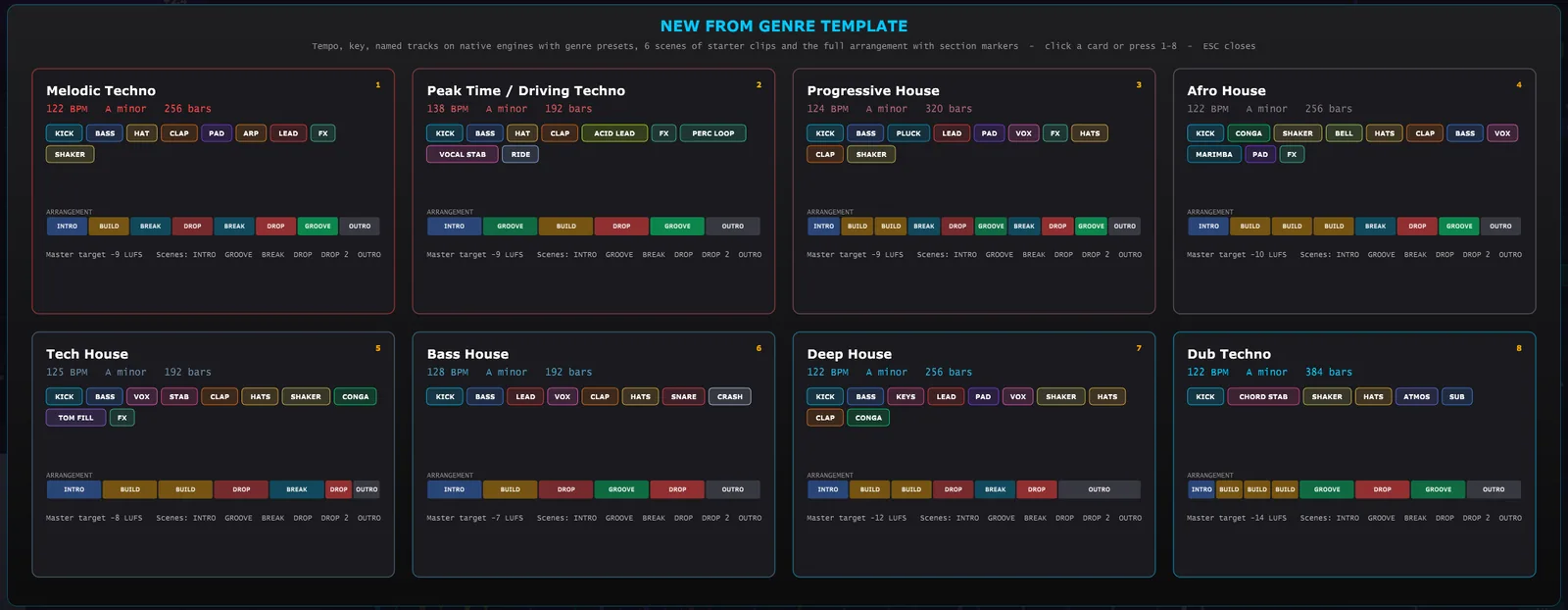
- 8 genre templates: Ctrl+N “New from genre” opens a full starter project — tempo, key, named tracks, clips, arrangement and mix
- Session clip launcher, scenes and session → arrangement, step sequencer and pads
- Mixer console with returns; Mixdown and Master stages with BS.1770 LUFS and true-peak metering
- Offline export, including stems — with native ARKITEKT instruments built in
- Push 2, Ableton Link and Pioneer Pro DJ Link support
- Timeline
- Vertical, adaptive lanes, loop-wrap
- Editing
- Clip ops with full undo · piano roll
- Templates
- 8 genre starters (Ctrl+N)
- Metering
- BS.1770 LUFS · true peak
- Export
- Offline mixdown + stems
- Sync
- Ableton Link · Pro DJ Link
- Control
- Ableton Push 2
- Format
- Standalone app
Take the full tour.
- Launch ARKITEKT DAW from the Start menu (it runs standalone).
- Explore: a rebuilt vertical “rising” timeline with adaptive lanes, a loop-wrap view, a piano roll and clip editing with full undo.
- Then: 8 genre templates: Ctrl+N “New from genre” opens a full starter project — tempo, key, named tracks, clips, arrangement and mix.
- Save your own version as a preset so it is one click away next session.
ARKITEKT DAW comes with the membership — together with all 48 Ark plugins, every factory preset, the genre sample packs and every future drop.
Paid membership opens soon. Join the free public beta today — your membership attaches to the same account when it opens.
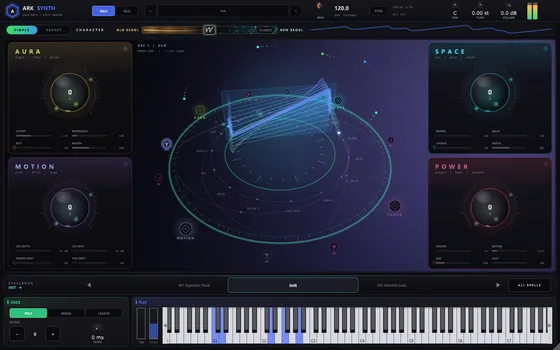
Ark Synth
A wavetable instrument with the depth of a modular and the speed of a preset browser.
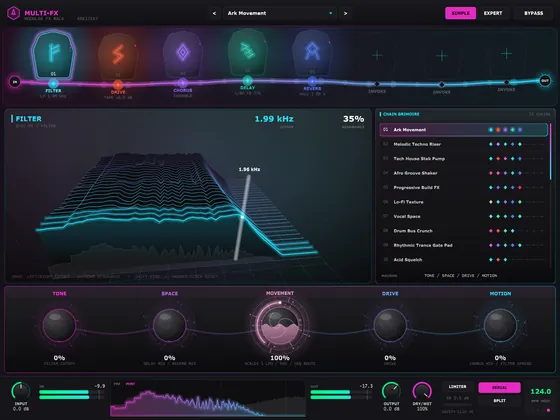
Ark Multi-FX
An 8-slot modular rack driven by the MOVEMENT engine.
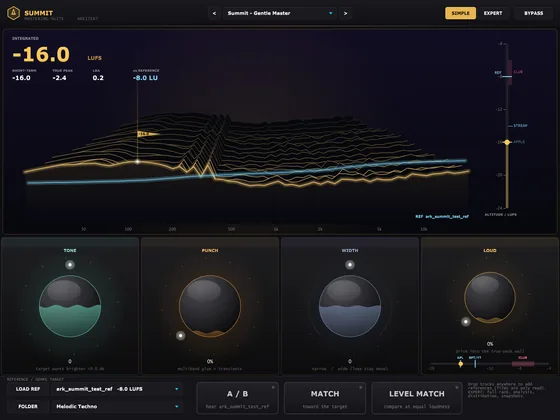
Ark Summit
A complete mastering suite that shows you the peak — and how every platform will hear it.